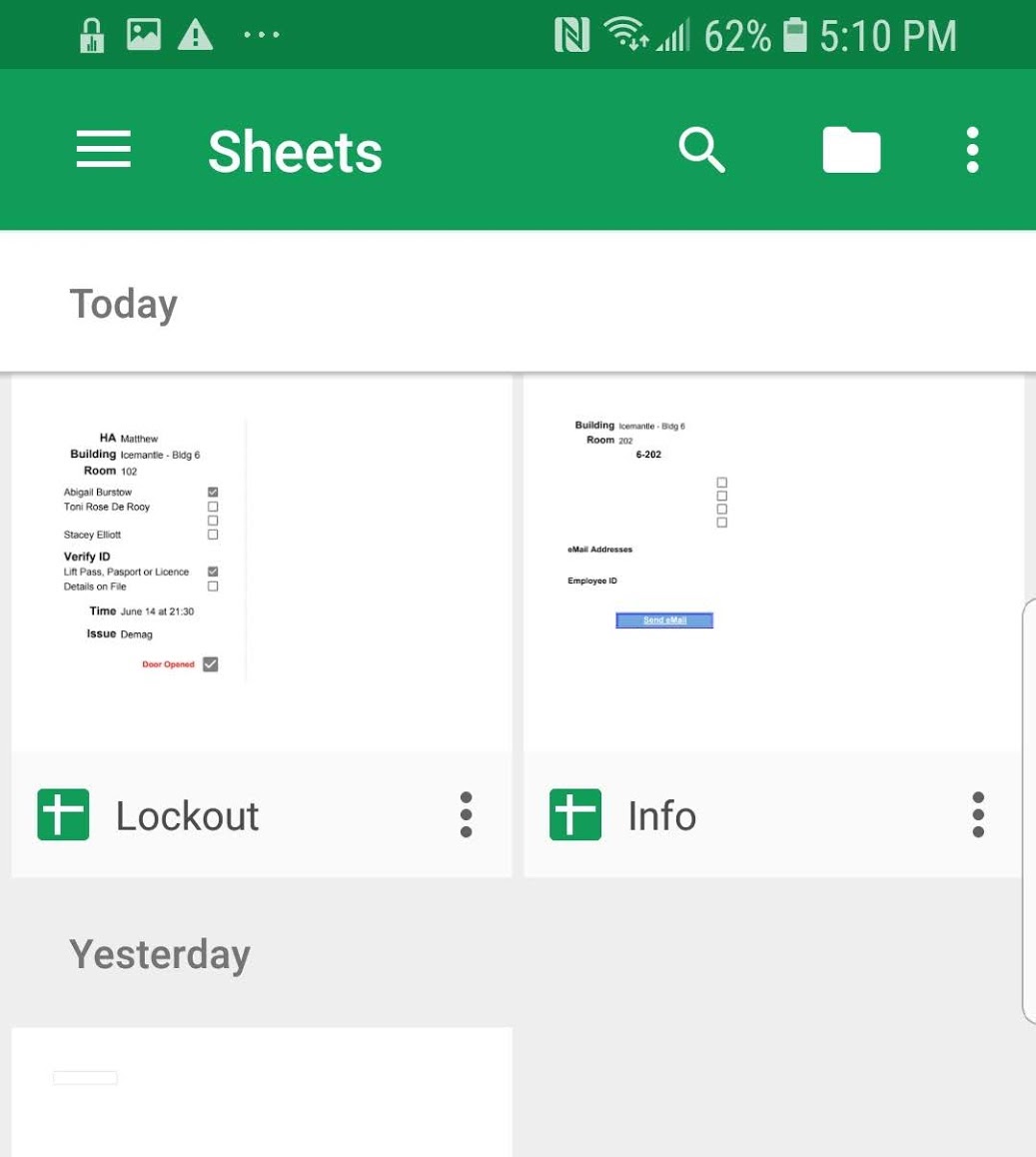
Open "HA Lockout Tool" it will normally be the leftmost one
You should be greeted by a blank "App" page
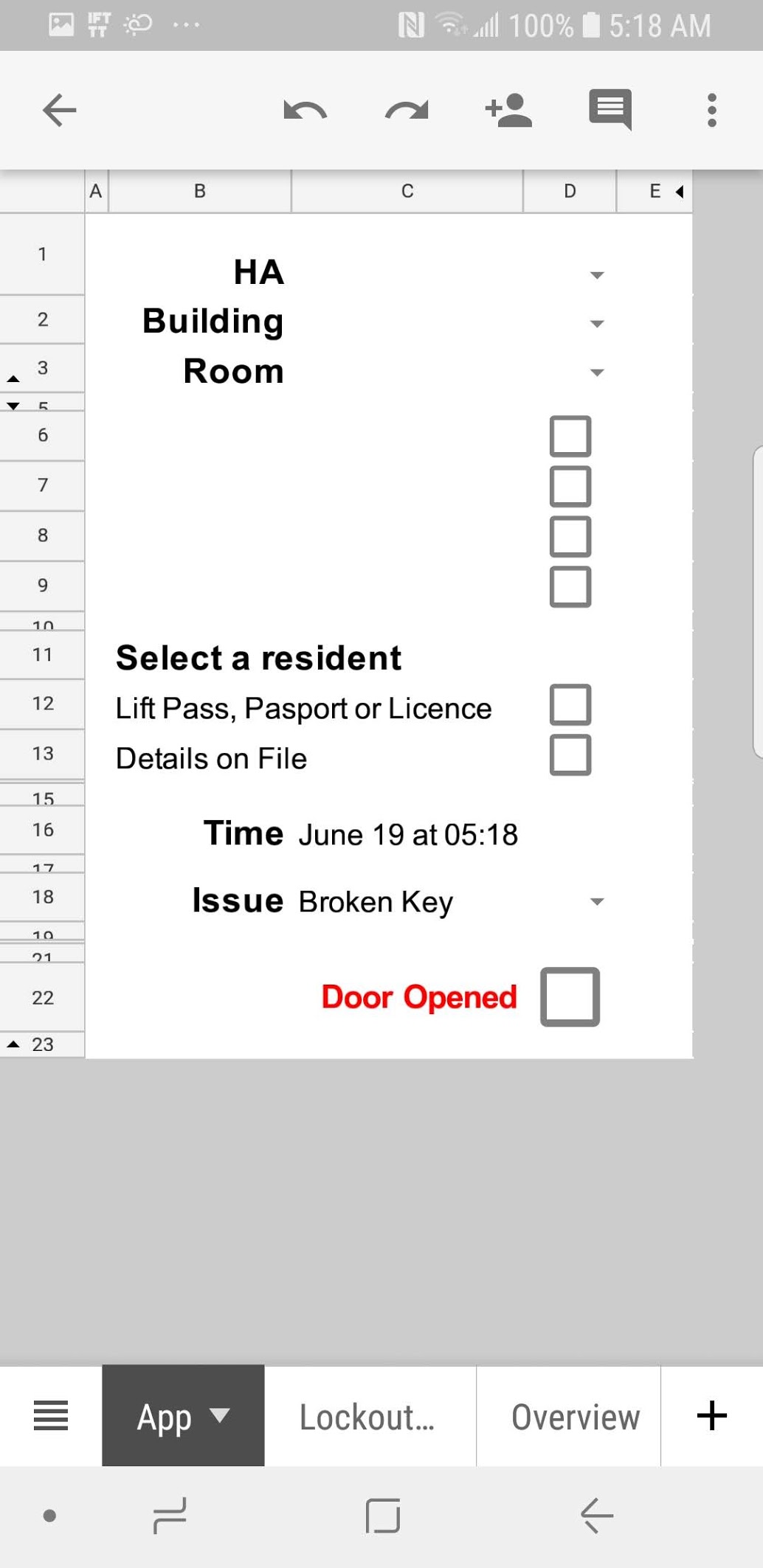
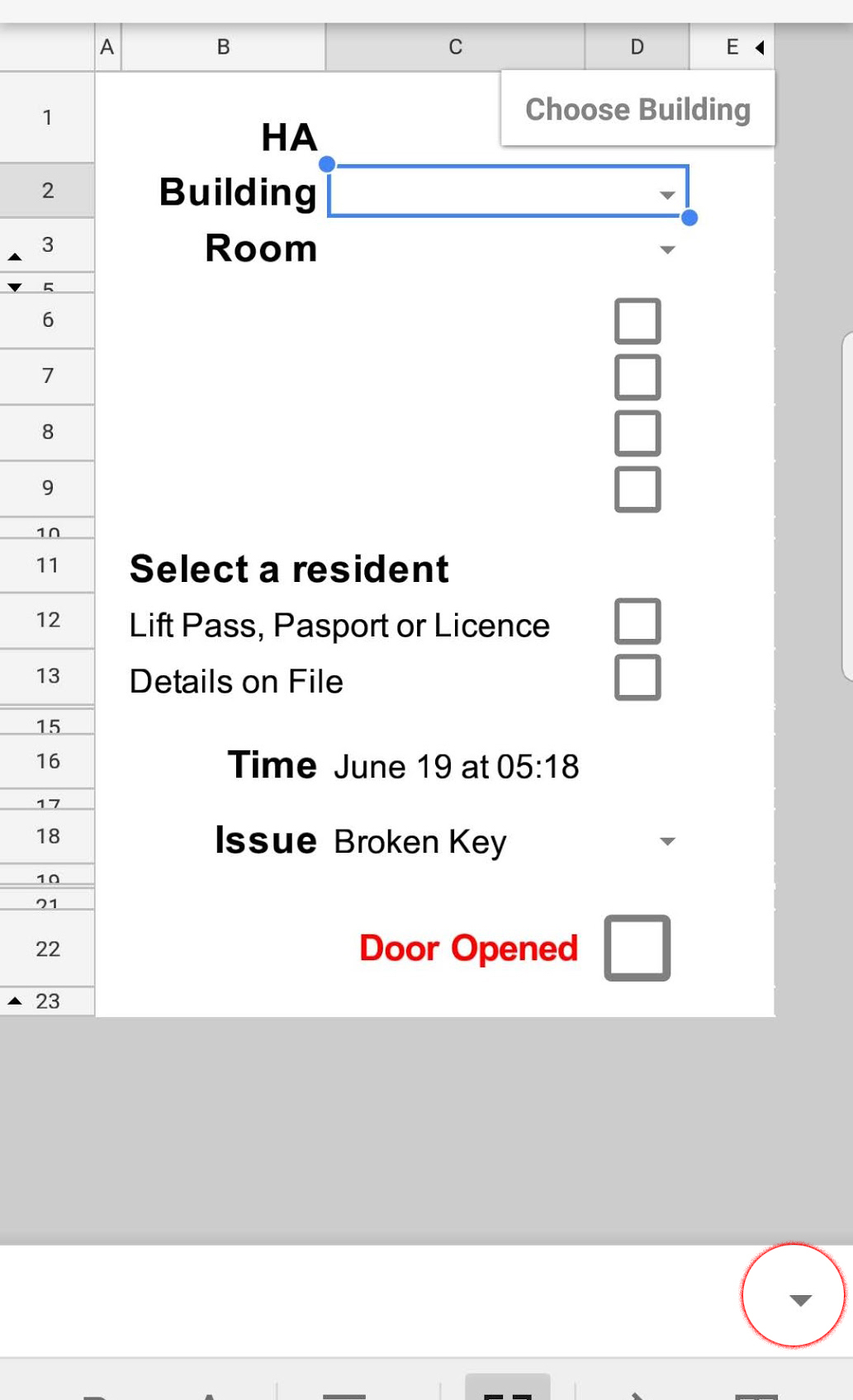
Enter your name, the building of the lockout, and the room using the drop-down menu
Open Sheets
Open "HA Lockout Tool" it will normally be the leftmost one
You should be greeted by a blank "App" page
Enter your name, the building of the lockout, and the room using the drop-down menu
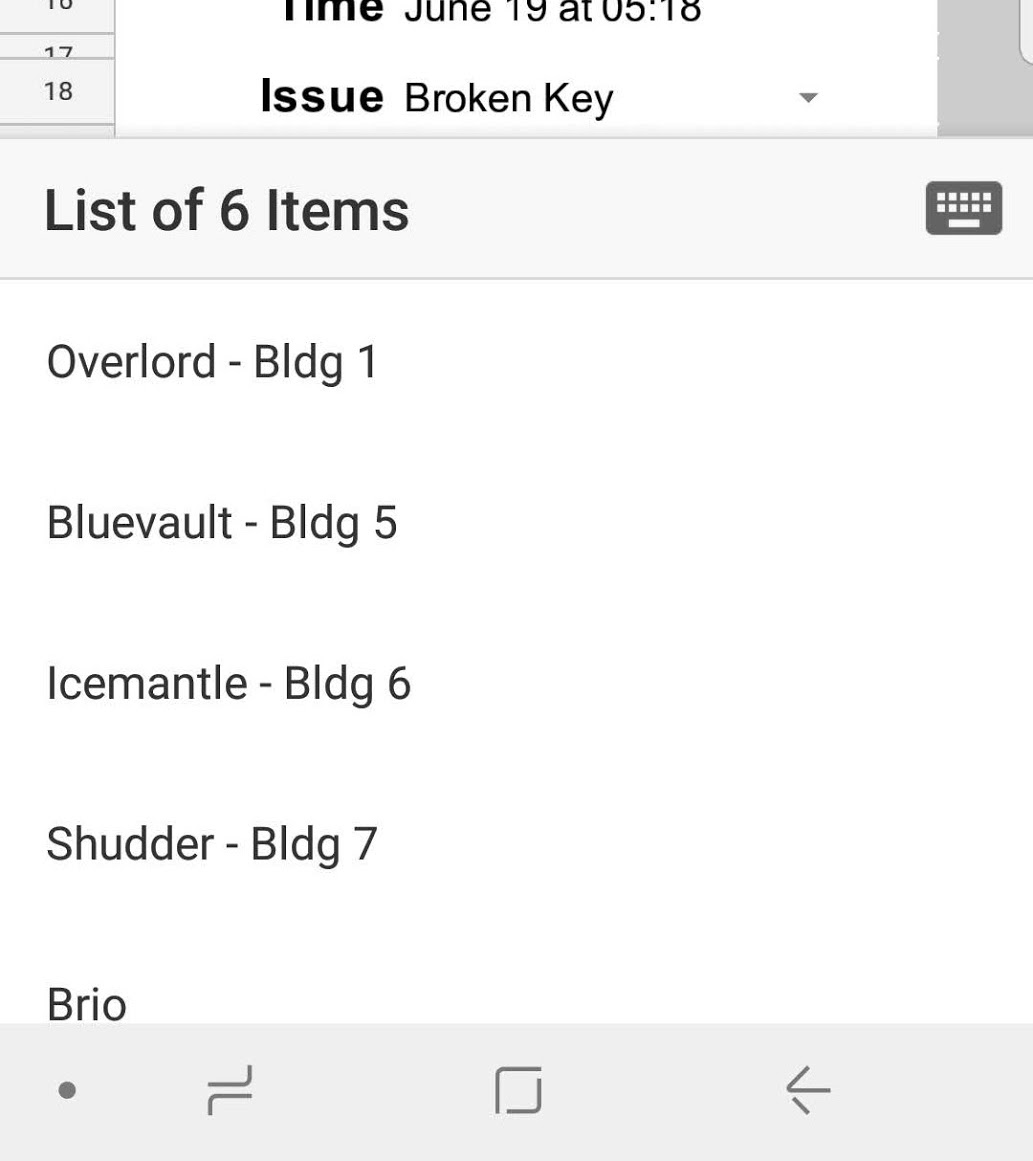
To find the drop down menu click on the cell, then the drop-down menu control will appear at the bottom of the screen
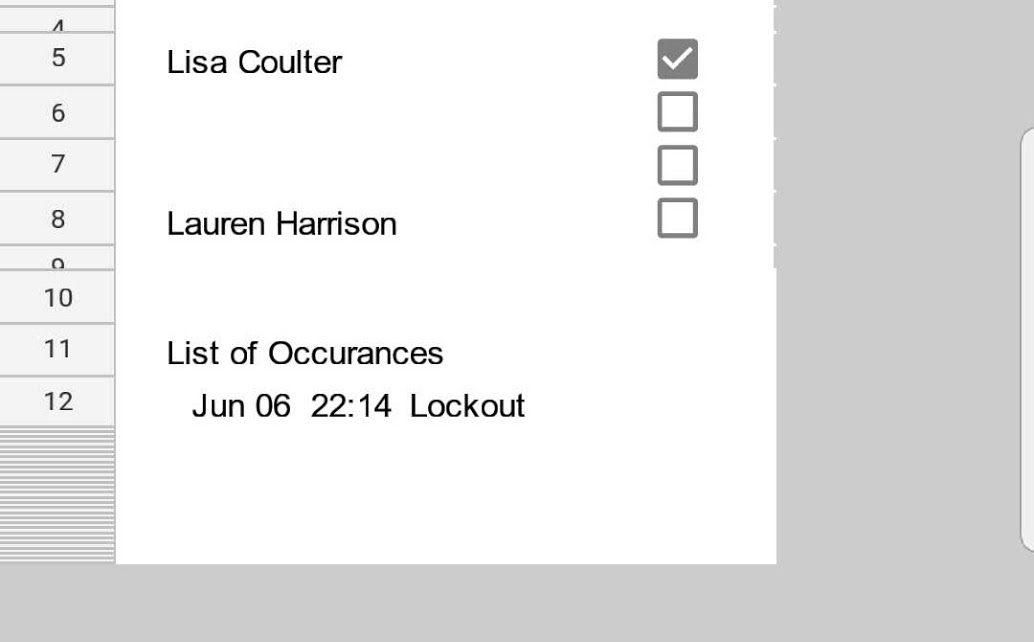
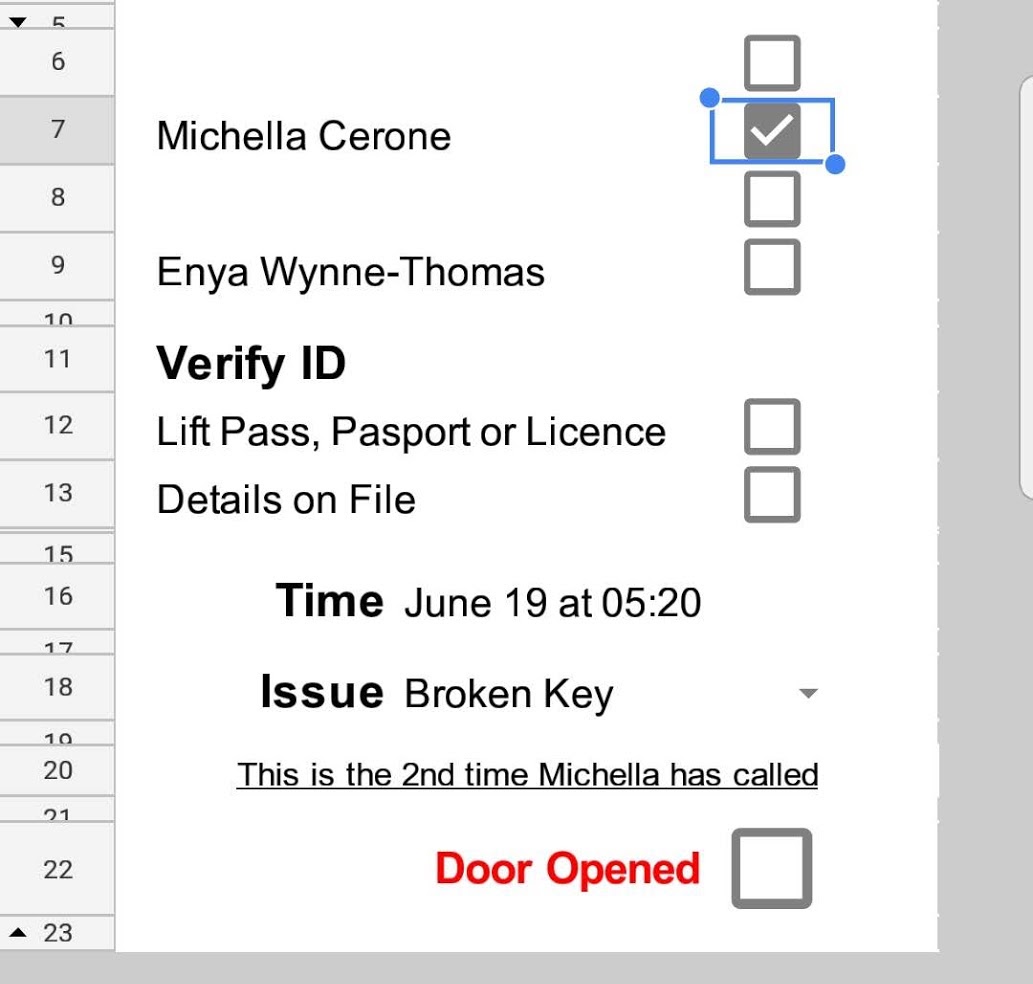
Once you select a resident you should be able to see if they have called before
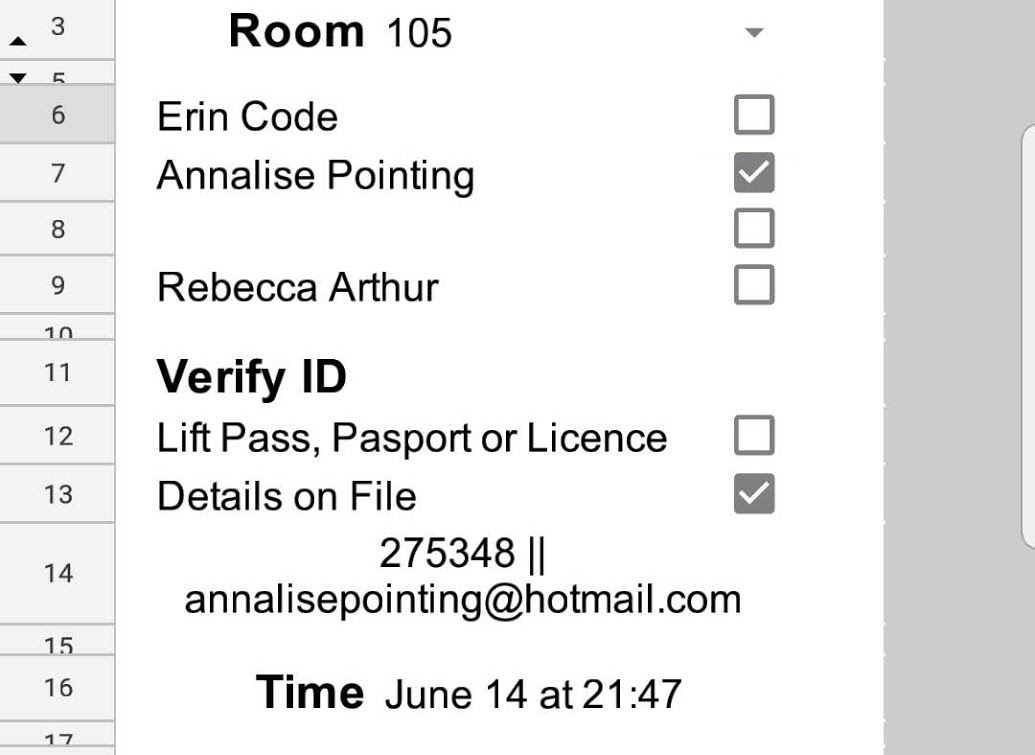
Select if they have an ID or if you need to use data on file, if you choose details on file it will pull up their employee number and email address (if present in pegboard)
You can then choose the reason for the unlock
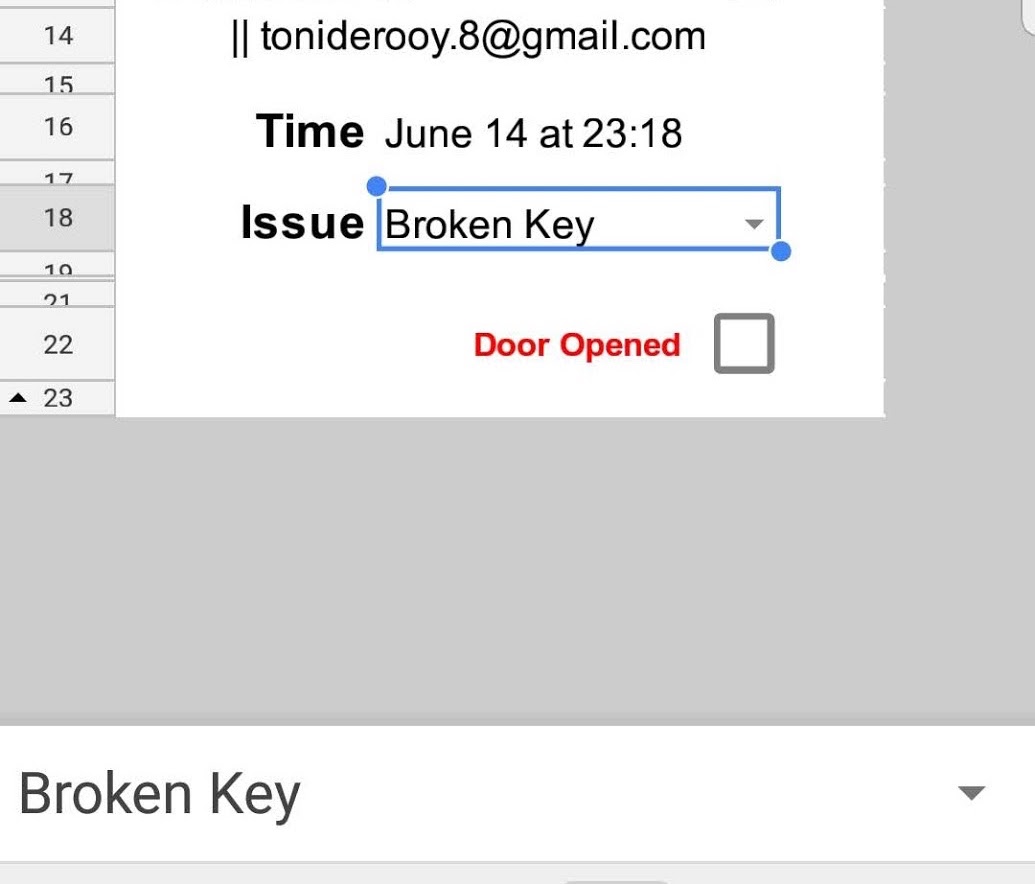
To submit the lockout, check the submit box and then press the tick in the top left-hand corner to confirm this edit
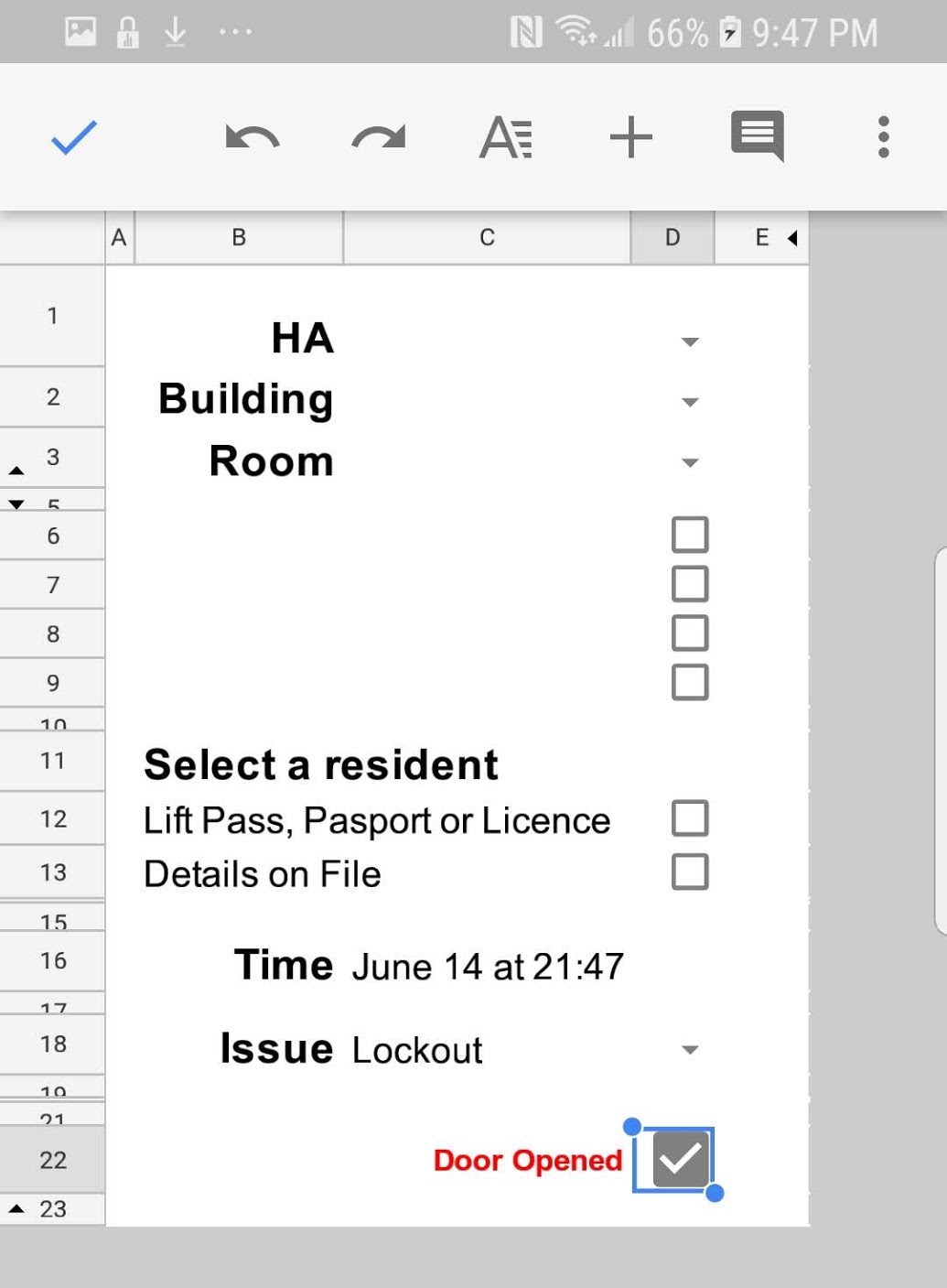
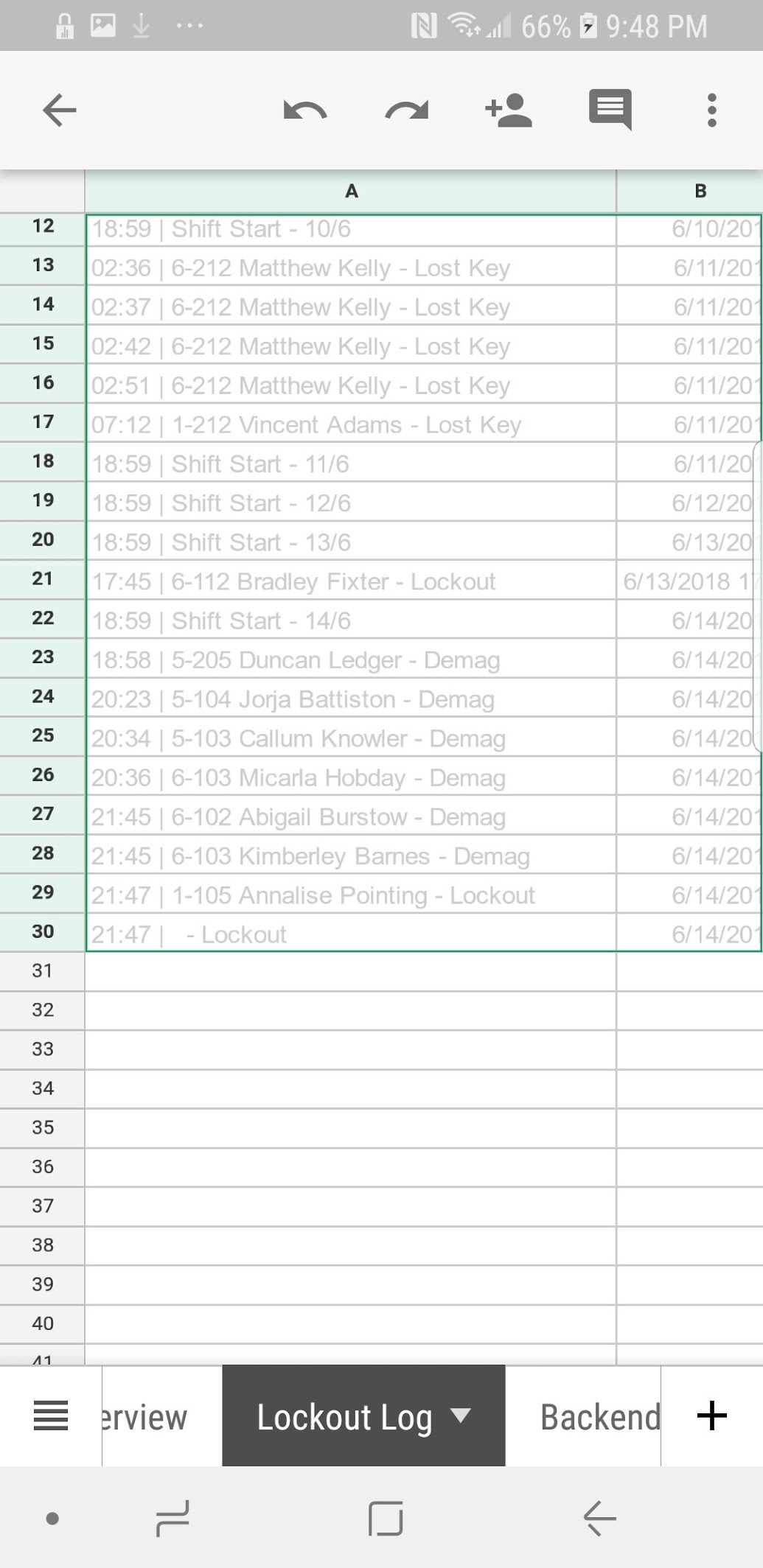
This should submit the Lockout and reset the "App" to the blank form, a google script copies the results of the table to "Lockout Log"
Please do not touch this page of the sheet as its the "hard copy" of the lockout log - in Lockout you should only view the pages App and Lockout Info
you choose the room like in the main app, then you can view all the times the room has called
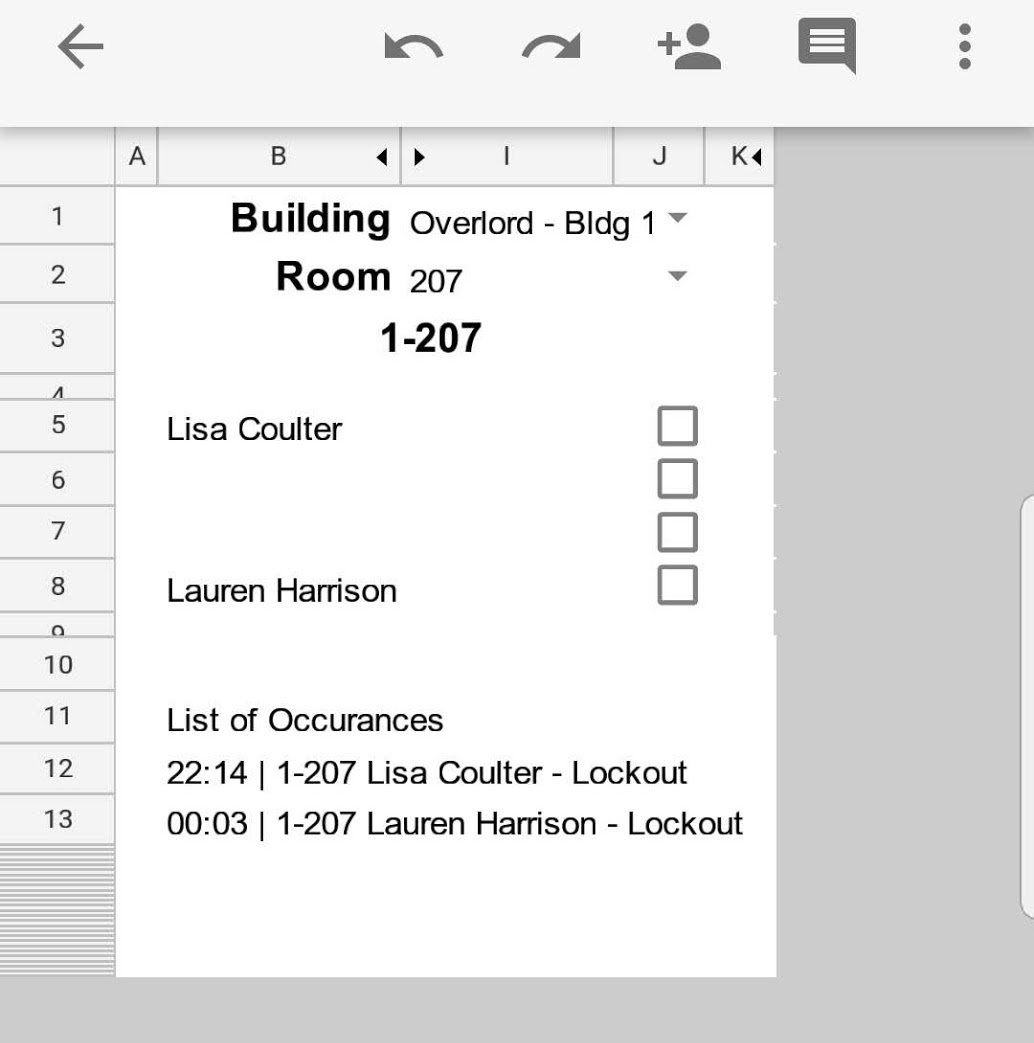
to view the dates and reasons for a specific person choose their name and the info displayed will change